
Taking Notes: Voice & Text
Last updated
After a conversation, add a note by voice or by typing — whichever is faster in the moment. B2Brain transcribes what you say about the conversation; it does not record the full conversation audio.
Why voice notes work well at events
Typing a detailed note on a phone while standing at a busy booth is slow and easy to abandon halfway through. A 15–20 second voice note capturing what was actually discussed — the specific pain point, the use case, any buying signal — takes a fraction of the time and produces much richer context than a rushed typed summary.
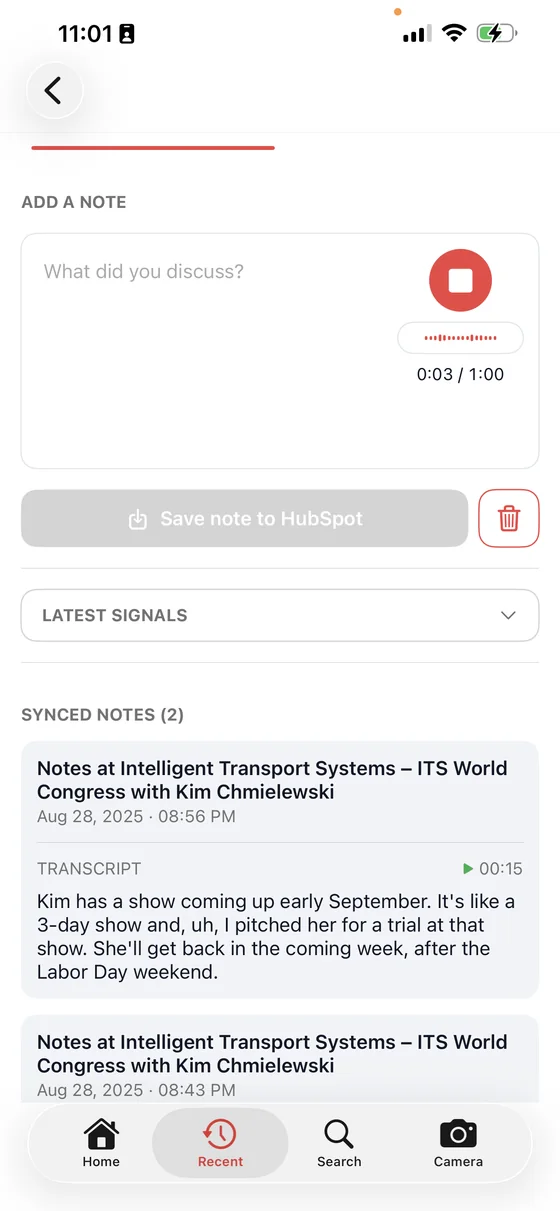
Recording stops at one minute, which is deliberate — the note is a summary of the conversation, not a transcript of it. When you stop, the audio is transcribed into editable text and saved as a draft straight away, so a rep who gets pulled back into a conversation mid-note does not lose what they had already said.
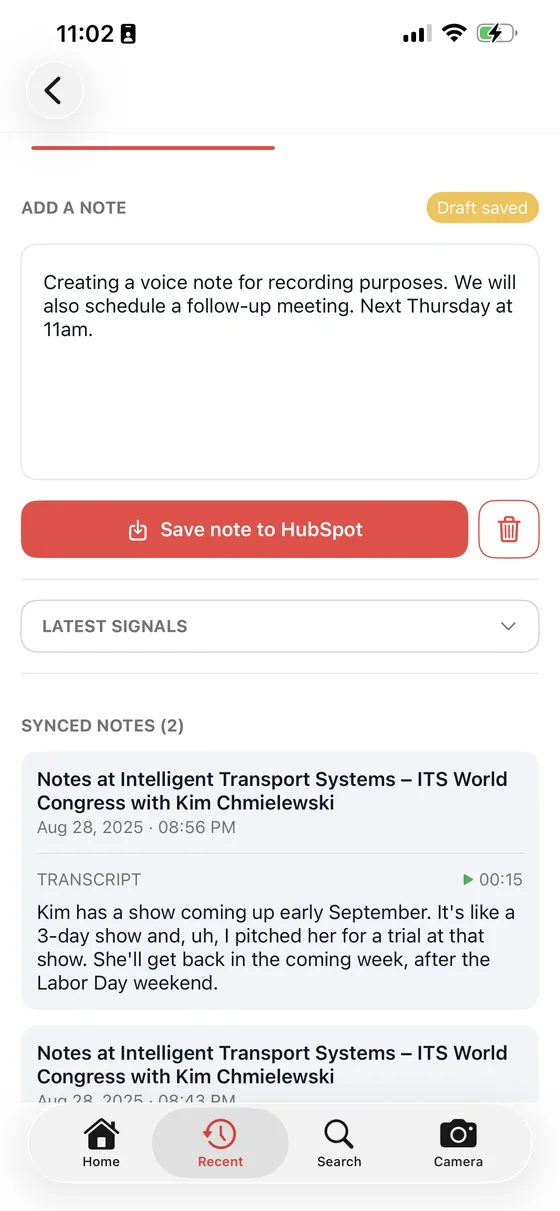
Notes are shared across your team automatically
A note captured by one rep is immediately visible to teammates working the same show. If a prospect already spoke with a colleague earlier in the day, you'll see that before starting the conversation over from scratch.
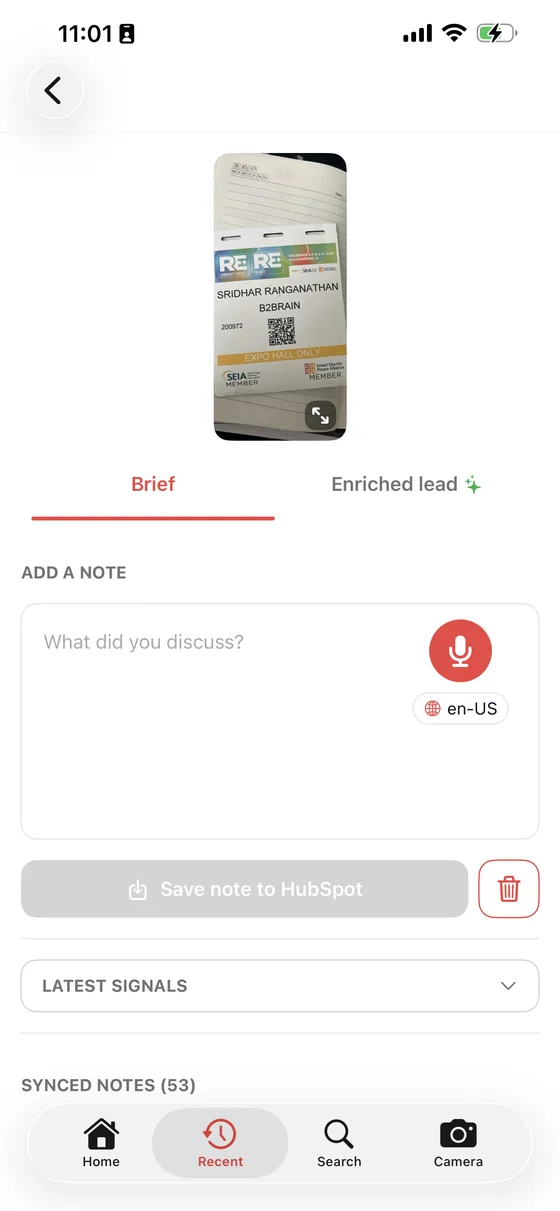
Every note on an account stacks up in one place, so the brief you open at this year's show already carries what your team learned at the last one.





