
How Lead Capture Works
Last updated
B2Brain doesn't depend on an event organizer's badge system, QR code format, or proprietary scanning hardware. You can capture a lead through any of three channels:
- Badge photo — capture a photo of a standard attendee badge.
- Business card capture — capture and extract information directly from a physical business card.
- LinkedIn profile screenshot — when there's no badge or card at all (floor walking, a happy hour, informal networking), capture a screenshot of the prospect's LinkedIn profile instead.
All three start from the same place. The home screen opens on whichever event you are working, with capture one tap away.
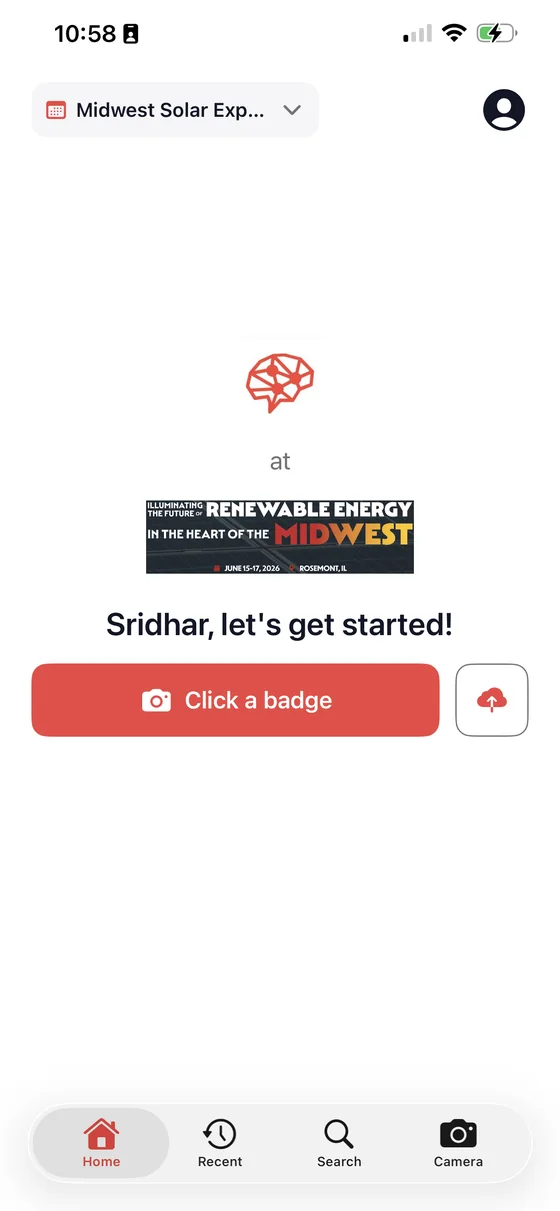
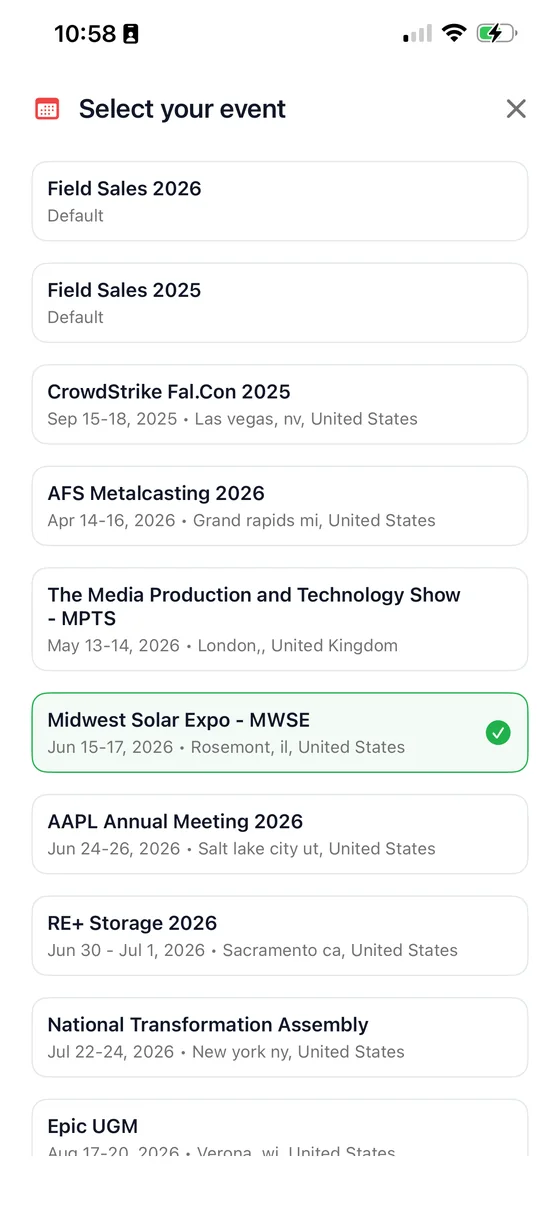
Every capture is automatically tagged to the specific event and, where relevant, the specific sub-activity — for example, a booth visit versus an evening reception — so your reporting can distinguish between them later. That tagging comes from whichever event is selected at the top of the home screen, so set it once at the start of the show and every capture that day is attributed correctly.
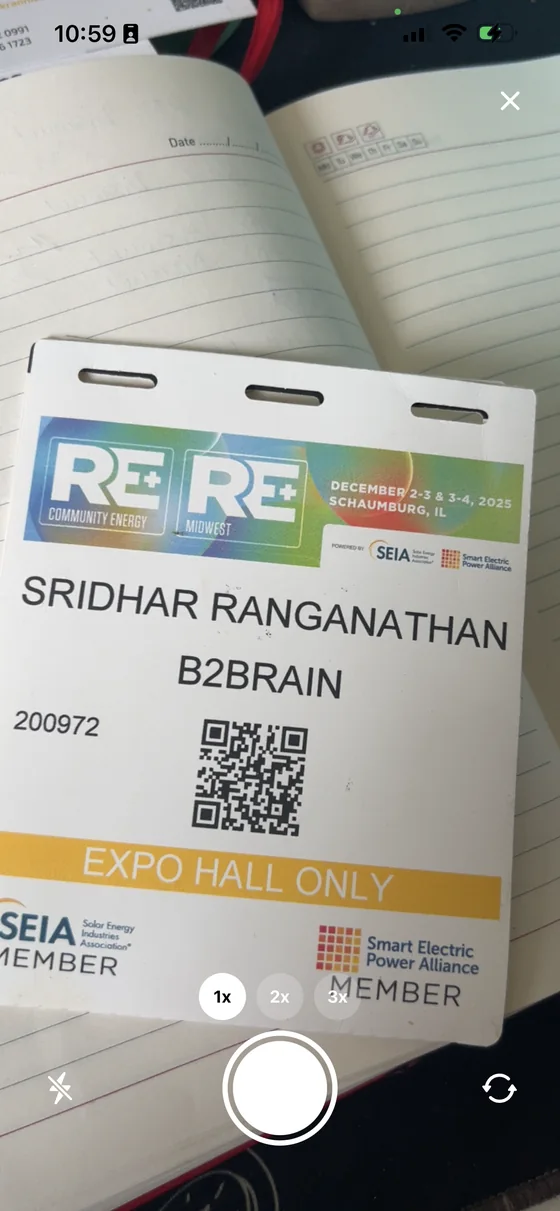
Capturing a badge
Point the camera at the badge and shoot. You do not need to line up a QR code or hold the phone at a particular distance — the whole badge is the input, so a slightly angled photo taken over a handshake still works.
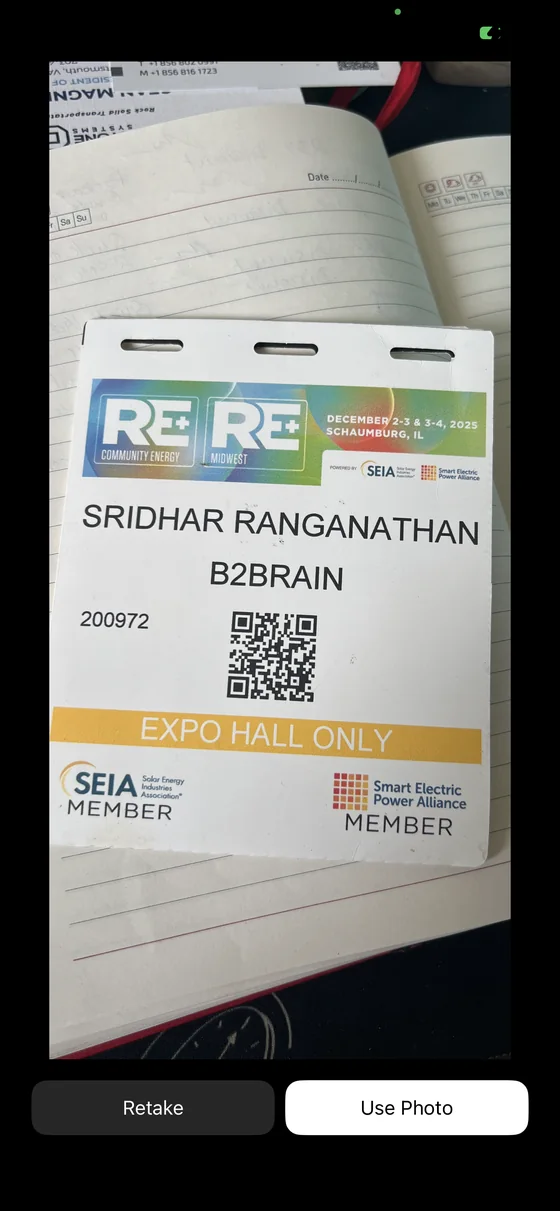
You then confirm the shot or retake it. This step exists because a blurred badge is the one failure that cannot be fixed later, once the prospect has walked away.
Working without a connection
Trade show Wi-Fi is unreliable by design of the venue, not by accident. B2Brain is offline-first: captures, notes, and scoring all happen locally on the device with no live connection required, including in airplane mode. Once the device reconnects — even hours later, on a flight home — everything syncs automatically to the cloud. No lead is lost to a bad signal.
Common capture patterns
- Rush hour at the booth — capture badges one after another in a queue, then circle back and add voice notes when things quiet down.
- On a plane — scan business cards collected during the show in airplane mode; they sync once you land and reconnect.
- A senior executive with no badge or card — search their company in the app, add a note with their name, and B2Brain enriches their contact details automatically.





