
Getting Started: Setup & Onboarding
Last updated
1. Install the app
B2Brain is available as a native iOS app (App Store) or as a web app on Android — no separate install required for Android users.
2. Sign in
Sign in with your Google Workspace or Microsoft 365 account via OAuth. This is what allows B2Brain to connect directly to your calendar and email for meeting booking and follow-up automation.
3. Complete onboarding
New teams go through a mandatory 30-minute enablement session. This covers app navigation and, specifically, how to take high-fidelity contextual notes — note quality has an outsized effect on how useful your post-event data is, so we treat it as a trained skill rather than something reps figure out on their own.
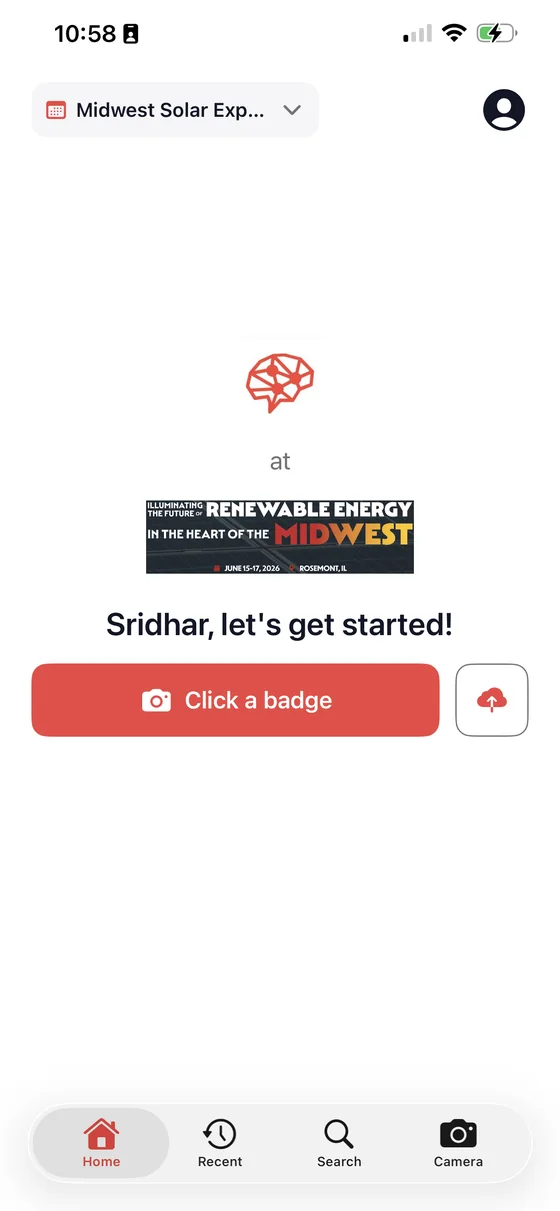
Once you are signed in, this is the screen a rep lands on: the event they are working at the top, and a single button to start capturing.
4. Connect your CRM
Standard Salesforce or HubSpot connections are configured in the same onboarding session and don't require engineering support from your RevOps team.
Most teams are fully live — app installed, reps onboarded, CRM connected — within about 2 hours.
What you'll need
| Requirement | Details |
|---|---|
| Mobile hardware | iOS device (App Store) or Android device (web app) |
| User onboarding | 30-minute enablement session (required) |
| Authentication | Google Workspace or Microsoft 365 OAuth |





