
CRM & Calendar Integrations
Last updated
CRM sync
B2Brain integrates directly with Salesforce and HubSpot. Accounts, Contacts, Notes, and Deals/Pipeline stages are created or updated automatically — there's no manual data entry required after the show.
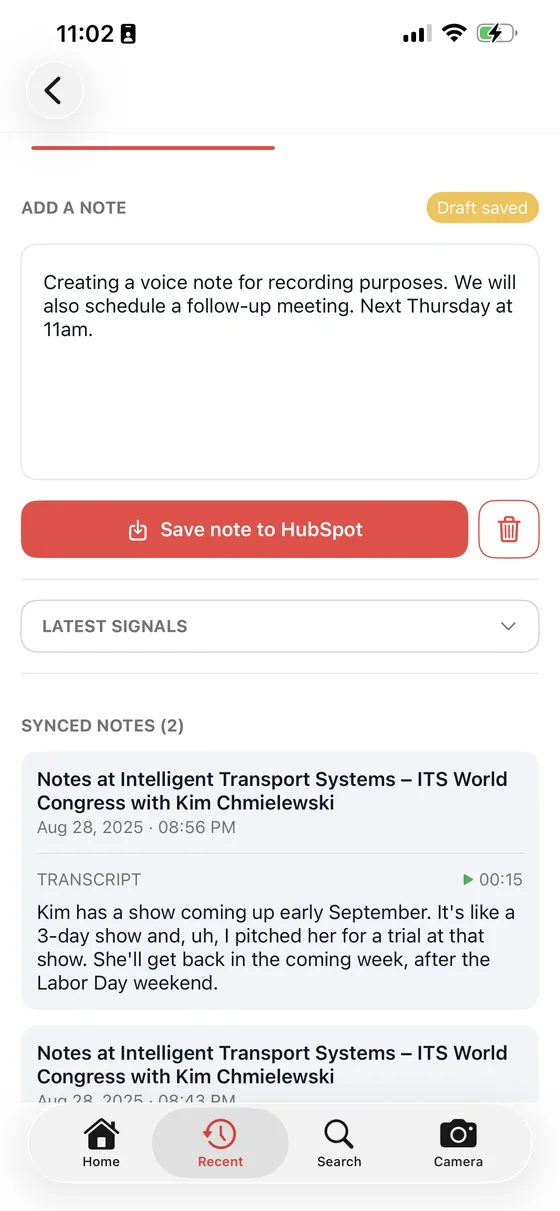
The sync is visible at the point of capture rather than hidden in a batch job. A note saves to your CRM from the note screen itself, so a rep can see the record land instead of hoping it did.
Calendar integrations
B2Brain connects natively to Google Calendar and Microsoft Outlook for sending and receiving meeting invites.
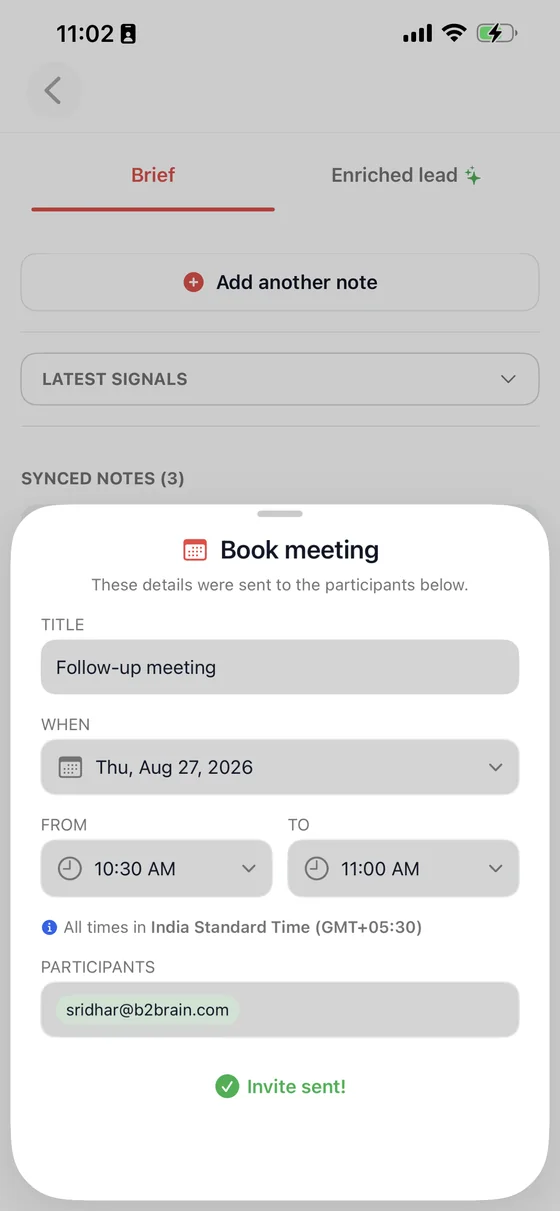
The invite goes out from your own connected account, so it lands in the prospect's inbox from a person rather than from a tool they have never heard of.
Standalone mode
If you'd rather not write directly into your CRM in real time, Standalone Mode lets you review captured data first and export it as a CSV before any CRM sync happens. This can be toggled on or off per event, so you can run a live-sync event and a review-first event side by side depending on the team or the show.





