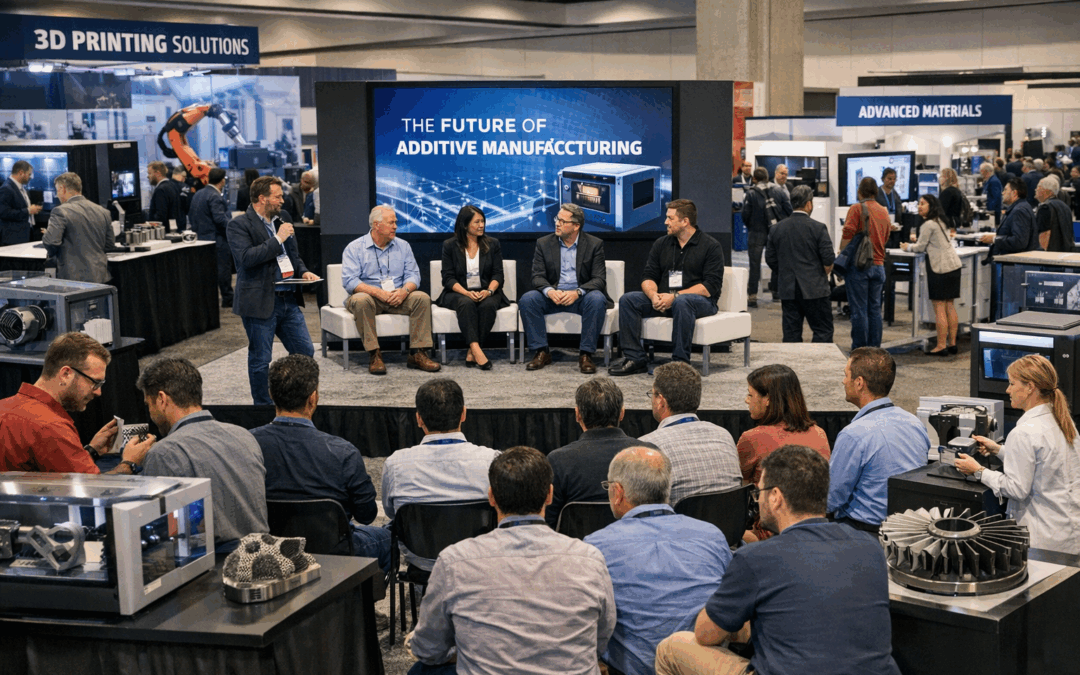
B2Brain Product Walkthrough: Capture Leads, Notes & Meetings at Events
A step-by-step demo by Sridhar, Co-founder at B2Brain — March 2026
If you’re heading to a trade show, conference, or industry event, this walkthrough shows exactly how B2Brain helps you capture every lead, add rich notes, book follow-up meetings on the spot, and turn your event investment into real pipeline — all from your phone.
In this 6-minute demo, Sridhar walks through the app from first scan to post-event report, explaining not just how to use each feature, but why it’s more effective than the standard badge scanner your event provides.
In This Walkthrough
What B2Brain Does at Events
B2Brain is built for sales reps, SDRs, and AEs who attend events, trade shows, and conferences. Unlike the basic lead scanners provided by event organisers — which give you little more than a name and email — B2Brain enriches every contact, captures your notes and voice recordings, syncs to your CRM, and books follow-up meetings, all in one mobile app.
Available on iOS & Android
Native iOS app on the App Store. Also installable as a web app on Android phones.
Event-Tagged Scans
Select your event at the start, and every scan, note, and recording is automatically tagged to that event for easy filtering later.
Team Dashboard
All data flows into a shared dashboard accessible by your whole team — downloadable as a spreadsheet at any time.
CRM Integration
Connects to HubSpot and Salesforce today, with more CRM integrations on the roadmap.
Scanning Leads: Badge & Business Card Capture
B2Brain captures leads by reading a photo of a badge or business card — not the QR code provided by the event. This matters because standard event QR codes often give you just a name and email. B2Brain’s scan reads the printed badge, extracts the person’s name and company, then enriches the record with business email, LinkedIn profile, and more.
Take a Photo of the Badge or Business Card
Open the B2Brain app, select the current event, and tap the scan button. Point your camera at the person’s badge or business card. As long as the person’s name and company are visible, B2Brain can identify and enrich the record — no QR code needed.
Or Upload from Your Gallery
Flying home after a show with a stack of business cards? Upload photos directly from your gallery for batch processing. B2Brain scans and enriches each one the same way.
Adding Notes: Text, CRM Sync & Voice
Once you’ve scanned a lead, you can immediately add notes while the conversation is still fresh. B2Brain gives you three note options:
Type a Note → Sync to CRM
Type your note and choose Sync to CRM — it pushes directly into HubSpot or Salesforce. Perfect for structured deal notes you want in your pipeline immediately.
Save a Note (B2Brain Only)
Choose Save Note to keep it within B2Brain without pushing to your CRM. Useful for informal observations or follow-up context you want to review later.
Record a Voice Note
On a busy show floor, typing is slow. Tap the microphone, speak naturally — for example: “Great conversation. We’re going to schedule a follow-up meeting next Wednesday at noon and need to discuss product strategy.” B2Brain transcribes your recording, syncs it to your CRM, and automatically extracts any meeting requests.
Booking Follow-up Meetings — The LTM Driver
B2Brain doesn’t just store what you said — it acts on it. When you mention a follow-up meeting in a voice note (e.g. “next Wednesday at noon”), B2Brain automatically identifies the intent, creates the follow-up, and syncs it to your CRM — no manual calendar entry required.
This is the core driver of LTM (Leads to Meeting), B2Brain’s key metric for measuring how well your event conversations convert into pipeline-advancing meetings. Higher LTM = better event ROI.
Reviewing & Searching Past Leads
After a busy day on the show floor, you might have scanned 30 people without having time to add notes for all of them. The Recent tab shows every person you’ve met, sorted by most recent first. You can go back and add notes retroactively — no lead falls through the cracks.
You can also search by company name to quickly pull up a specific person you remember meeting. B2Brain surfaces the enriched contact card, your notes, and any voice recordings — all in one place.
Need to bring in a colleague? Invite them directly from the app via email, and they’ll be able to use B2Brain at the same event and contribute to the shared team dashboard.
The Enriched Lead Dashboard
Everything you capture flows into a web-based team dashboard that your whole GTM team can access. Each lead record includes:
Enriched Contact Info
Business email address and LinkedIn profile — automatically enriched from just a name and company.
Event & Scanner Details
Which event the lead was captured at, who on your team scanned them, and the date of the scan.
All Notes & Audio
Every text note and voice recording you added, including the transcribed audio file — all in one place.
Powerful Filtering
Filter your leads by event, team member, date range, or specific account — so you can action exactly the right records.
You can download the entire dataset as a spreadsheet at any time — including enriched contact data, notes, and event metadata. As your team does more events, all data accumulates in one place, making it easy to see performance trends across your event programme.
The Post-Event OfflineToPipeline Report
The morning after your event ends, your team automatically receives the OfflineToPipeline Report — a summary of how the event performed:
- Total leads captured and LTM (Leads to Meeting) rate
- Number of meetings booked, demos scheduled, and other high-quality opportunities identified
- Breakdown of the notes your team captured — quality signals like prospect qualification, potential next steps, and topics to discuss
- Individual team member performance so sales leaders can see who contributed what
The quality of your notes directly shapes the quality of this report. When reps capture notes around qualification signals, identified pain points, and agreed next steps, the OfflineToPipeline Report becomes a rich, actionable brief for your entire sales, marketing, and GTM team — not just a list of business cards.
Ready to Turn Your Next Event into Pipeline?
Get B2Brain on your phone before your next trade show or conference.
Further Reading
- What is LTM (Leads to Meeting)? — The event pipeline metric explained
- Pipeline Impact Calculator — Estimate your event ROI with B2Brain
- B2Brain Pricing — Plans for teams of all sizes
- B2Brain Blog — Events, GTM strategy, and pipeline insights